
Invisible Text Generator: Copy, Customize, and Understand Blank Unicode Characters
Our invisible text generator lets you generate blank text instantly, test ready-made name-length presets for Free Fire, BGMI, and PUBG, and browse a full 24-character reference table of invisible and whitespace Unicode characters.
Invisible text looks empty on screen, yet it is not empty data. Underneath, it is a real Unicode character stored inside a string—occupying bytes just like any visible letter, only rendered without an ink glyph. That technical distinction is why a text field will sometimes accept an invisible character while rejecting an ordinary blank submission outright.
This resource brings together three practical tools and references in one place: one-click copy presets for invisible characters, length-matched presets for gaming name fields, and a full breakdown of how 24 standardized whitespace and zero-width code points behave across browsers, messaging apps, and validation checks.
Looking for deeper technical background on Unicode normalization, security testing, and SEO? Read our complete invisible text generator guide.
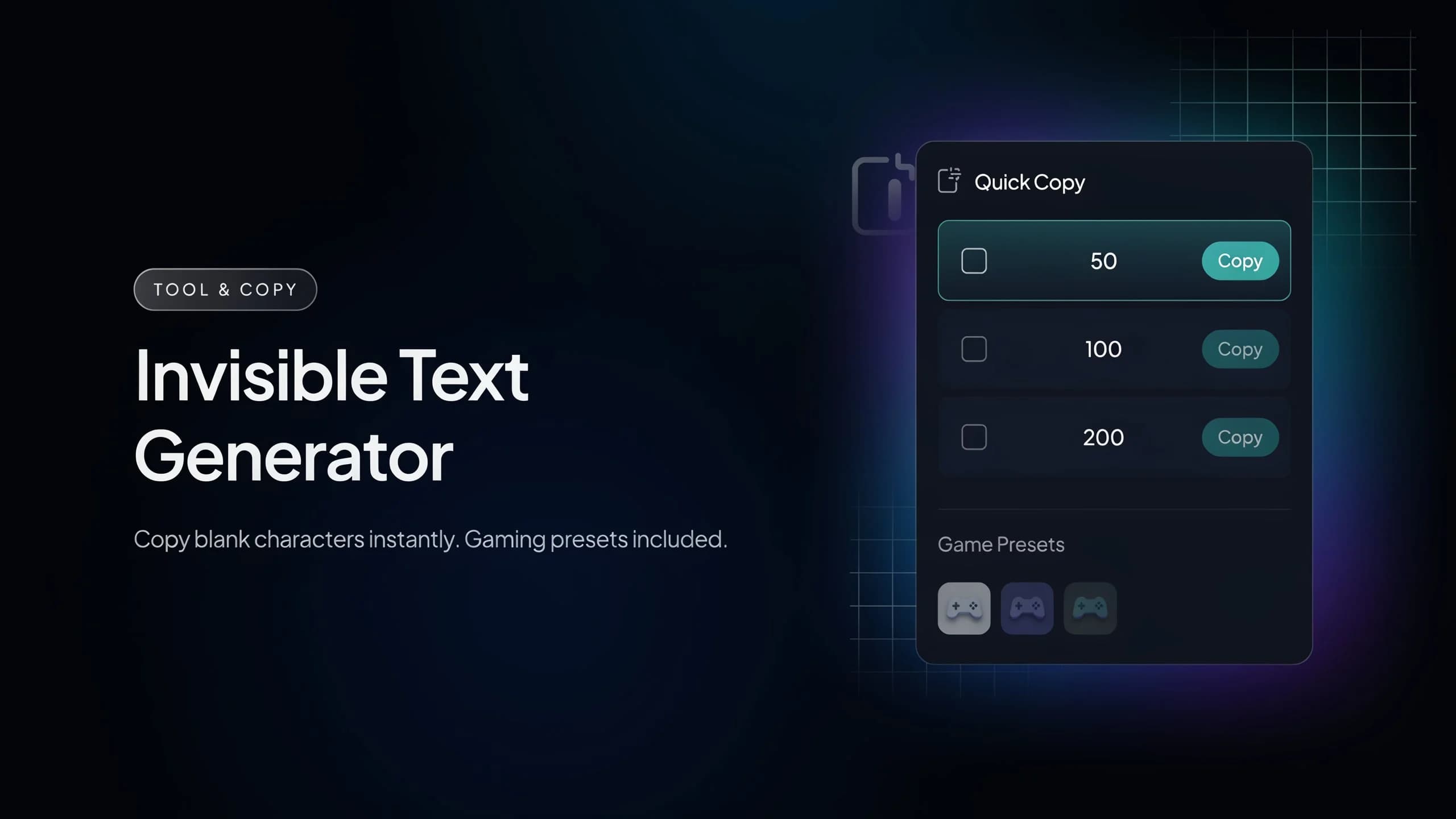
Quick Copy: Generate Invisible Text Instantly
If you need clean blank characters immediately, choose a preset block below to copy Hangul Filler (U+3164) directly to your clipboard.
Why U+3164 by default? Hangul Filler survives clipboard operations reliably across Windows, macOS, Android, and iOS without being silently stripped by rich-text paste handlers—unlike Zero Width Space (U+200B), which some editors trim automatically. If a specific app filters it, try another character from our reference table below.
Ready-Made Blank Presets for Free Fire, BGMI, and PUBG
Game lobbies apply strict character limits and trim standard ASCII spaces in nickname fields. Each preset below matches the documented username character limit for its title so you can test Unicode compatibility cleanly:
Important Compatibility Note: Game publishers frequently update username validation filters in seasonal patches. Always review the game's current naming policy and keep a regular backup handle ready in case an update restricts special Unicode blocks.
What Is Invisible Text, Actually?
Invisible text is any standardized Unicode character that renders without a visible glyph or adjusts line-breaking and text-shaping rules behind the scenes. It is fundamentally different from leaving an input field empty.
When a form checks whether a field has content, an empty string ("") or standard spaces (" ") get rejected after trimming. By contrast, non-ASCII code points like Zero Width Space or Hangul Filler register as valid character bytes, so basic validation sees real text data even though nothing draws on screen.
This is also why pressing your spacebar cannot replace an invisible character. A keyboard space (U+0020) is collapsed by HTML and stripped by .trim(), whereas specialized Unicode code points carry distinct formatting properties.
A Closer Look at the Most Useful Characters
Out of dozens of invisible and spacing characters defined in the Unicode Standard, six code points account for almost every practical formatting and software testing scenario:
Want to know how normalization, input validation, and browser rendering treat each one? See our complete invisible text generator guide.
Full Reference: 24 Invisible & Whitespace Unicode Characters
Use this interactive table to inspect Unicode code points, official names, and HTML entities—or click Copy on any row to test that exact character in your editor or application:
| Unicode | Character Name | HTML Entity | Action |
|---|---|---|---|
| U+0020 | Space |   | |
| U+00A0 | No-Break Space | | |
| U+2000 | En Quad |   | |
| U+2001 | Em Quad |   | |
| U+2002 | En Space |   | |
| U+2003 | Em Space |   | |
| U+2004 | Three-Per-Em Space |   | |
| U+2005 | Four-Per-Em Space |   | |
| U+2006 | Six-Per-Em Space |   | |
| U+2007 | Figure Space |   | |
| U+2008 | Punctuation Space |   | |
| U+2009 | Thin Space |   | |
| U+200A | Hair Space |   | |
| U+200B | Zero-Width Space | ​ | |
| U+200C | Zero-Width Non-Joiner | ‌ | |
| U+200D | Zero Width Joiner | ‍ | |
| U+2060 | Word Joiner | ⁠ | |
| U+202F | Narrow No-Break Space |   | |
| U+205F | Medium Mathematical Space |   | |
| U+2800 | Braille Pattern Blank | ⠀ | |
| U+3000 | Ideographic Space |   | |
| U+3164 | Hangul Filler | ㅤ | |
| U+FEFF | Zero Width No-Break Space |  | |
| U+FFA0 | Halfwidth Hangul Filler | ﻀ |
Beyond these 24 characters, Unicode also includes bidirectional control marks (such as left-to-right and right-to-left marks for Arabic and Hebrew mixing), which are specialized typographic controls rarely needed outside multilingual publishing engines.
Where People Actually Use Invisible Text
Important Things to Know & Policy-Safe Usage
Platform behavior varies: an invisible code point accepted in one app may be stripped, normalized, or rendered as a fallback box in another.
If one character fails validation, trying an alternative from the 24-character table (for example switching from U+200B to U+2800 or U+3164) often clarifies whether the field filters whitespace or specific Unicode blocks.
Use invisible characters thoughtfully: flooding group chats, comments, or forms with blank messages can trigger anti-spam filters or violate community guidelines.
For developers, testing invisible Unicode early helps uncover trimming, normalization, and UTF-8 storage bugs before code ships to production.
Frequently Asked Questions
Why doesn't pressing the spacebar work the same way?
Will these presets work in every game or app?
Is there a difference between invisible text and a blank message?
Can invisible characters still be detected?
Do these characters behave the same on mobile and desktop?
A Quick Word on Staying Anonymous
Related Guides & Text Tools
Invisible Text Generator Guide
Deep dive into blank Unicode characters, normalization, security, and SEO.
Repeat Text Online Instantly
Learn how to repeat words, emojis, and checklists with custom separators.
Text Spacer Tool
Add consistent spacing between letters, words, or lines for stylish layouts.
Case Converter & Text Reverser
Switch between UPPERCASE, lowercase, camelCase, or reverse strings cleanly.
Copy Custom Invisible Characters Instantly
Generate any custom count, inspect hidden Unicode points, or download a .txt file—free and browser-based.
Open Invisible Text Generator